
Heizen Studio is the workspace for an entire product lifecycle. A project keeps its delivery work, tickets, product context, meetings, integrations, and QA data together so each part of the team can work from the same source of truth.
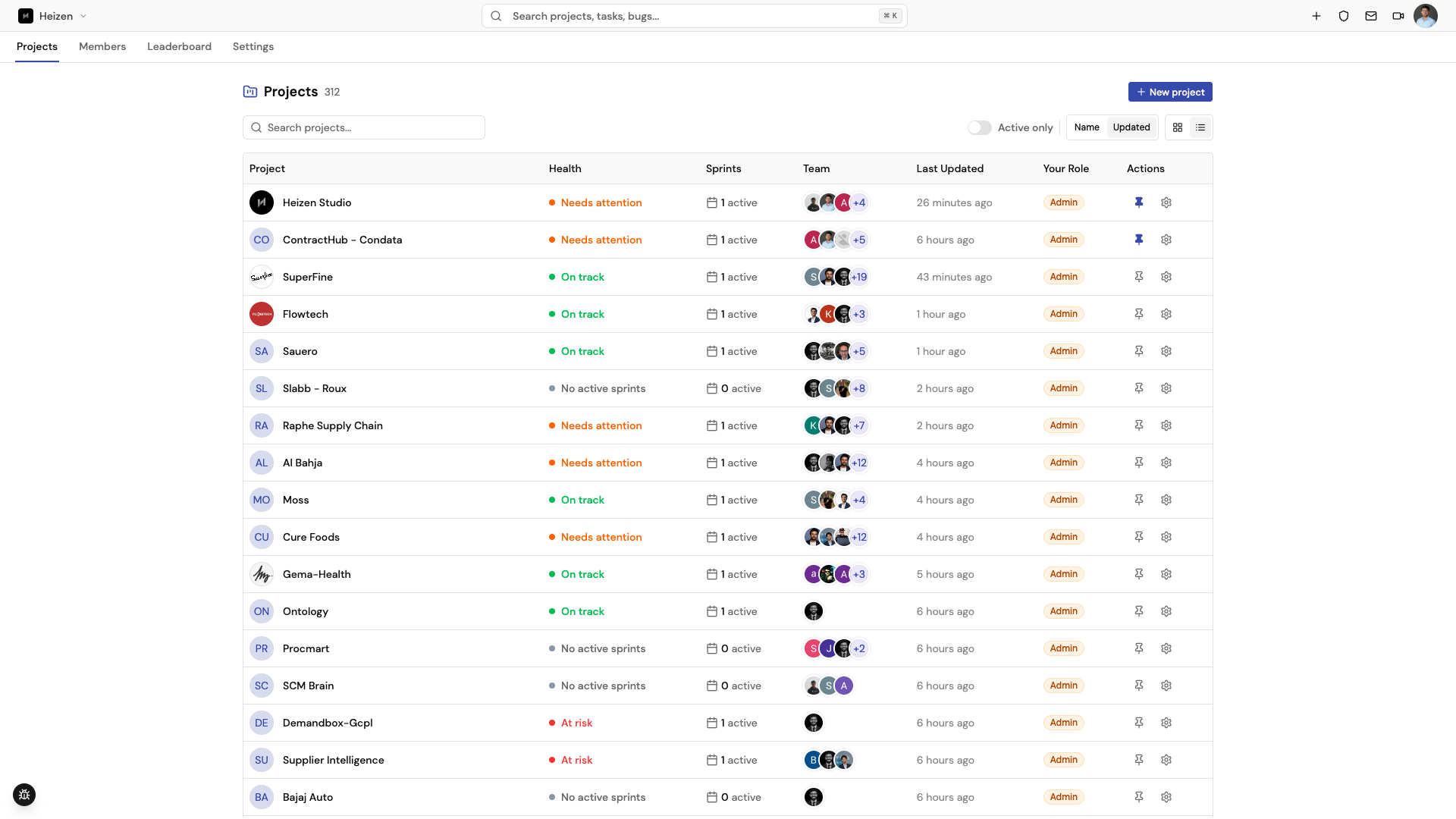
Choose the guide that matches your task
Start here
Create a project, learn the navigation, and follow the recommended first workflow in Quickstart.
Organizations & roles
Understand how organizations own projects and what each role can do in the permissions guide.
Catalog
Find builds other projects have already made, and share your own, in the Catalog guide.
Helix
Ask the project-aware assistant to research, plan, groom, and update work in the Helix guide.
Product
Capture and scope requirements, and sketch flows on a canvas, in the Product guides.
Delivery
Break work into stories, plan sprints, triage tickets, and record work in the Delivery guides.
Knowledge
Keep durable project context in the wiki, files, and project email with the Knowledge guides.
QA Agent
Build test coverage, configure environments, run tests, and review security findings in the QA guides.
Source
Browse a linked repository’s activity, files, commits, PRs, and issues in the Source guide.
Connect and automate
Connect GitHub or Jira, manage secrets and API keys, and use the MCP documentation for editor-based workflows.