
Load Testing models traffic against an API. Create a reusable specification with a base URL, variables, and endpoints, then run it with virtual-user and service level settings.
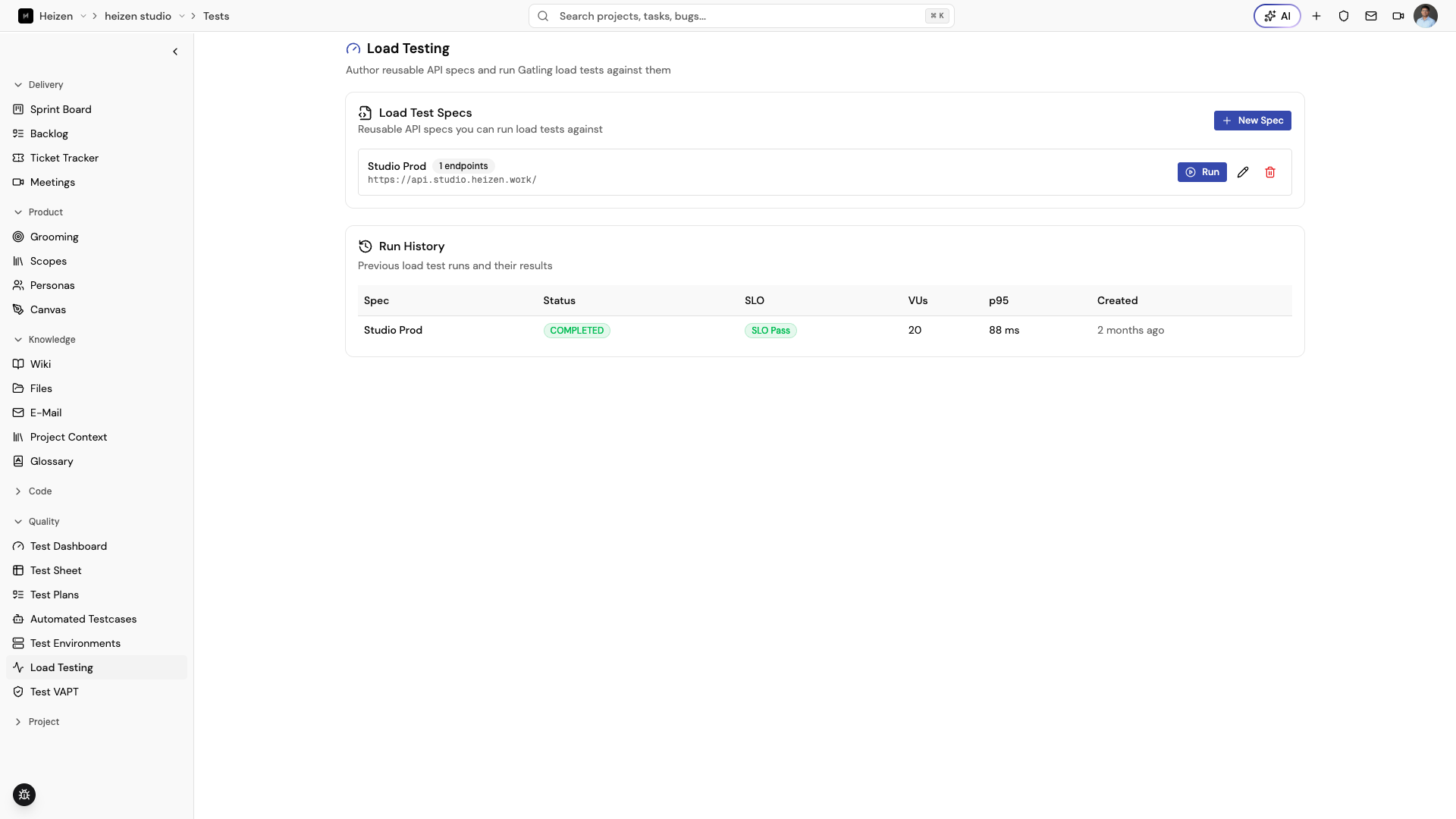
Create a load-test spec
- Open QA Agent → Load Testing and choose New Spec.
- Enter a spec name and Base URL.
- Add variables for values such as IDs or tokens; reference them as
{{name}}in a path, header, or body. - Add endpoints with a name, method, path, optional weight, headers, and body.
- Save the spec. You can import endpoints from an API specification when that option is available.
Run the spec
Choose Run on a spec and set the values you need:
- virtual users;
- duration in seconds;
- ramp-up time;
- SLO p95 latency in milliseconds; and
- SLO error-rate percentage.
Leave a field blank to use the displayed default. Confirm the target and variables before starting a load test.
Inspect results
Open a run from history to review the overview, latency and throughput details, errors, and whether the configured SLOs were met. Past results are retained when a spec is deleted, so keep the run as evidence and create a new spec when the test objective changes materially.