
Heizen Studio is organized around organizations. An organization owns its projects; people get access to the organization first, and to individual projects second. This replaced the older model where a project was owned directly by the person who created it and invitations happened only at the project level — organization membership and project membership are now separate, explicit grants.
Organization roles
Every person in an organization has exactly one organization role, set when they’re invited from Members → Invite member:
| Role | What it means |
|---|---|
| Owner | Runs the organization. Can do everything an Admin can, plus delete the organization outright. Only an Owner can invite, change, or remove another Owner. |
| Admin | Runs the organization: updates organization settings, invites and removes members, connects and manages organization integrations (like GitHub), and can create or delete projects. |
| Member | A directory entry. Being a Member of the organization does not grant access to any project by itself — project access is a separate grant (see below). |
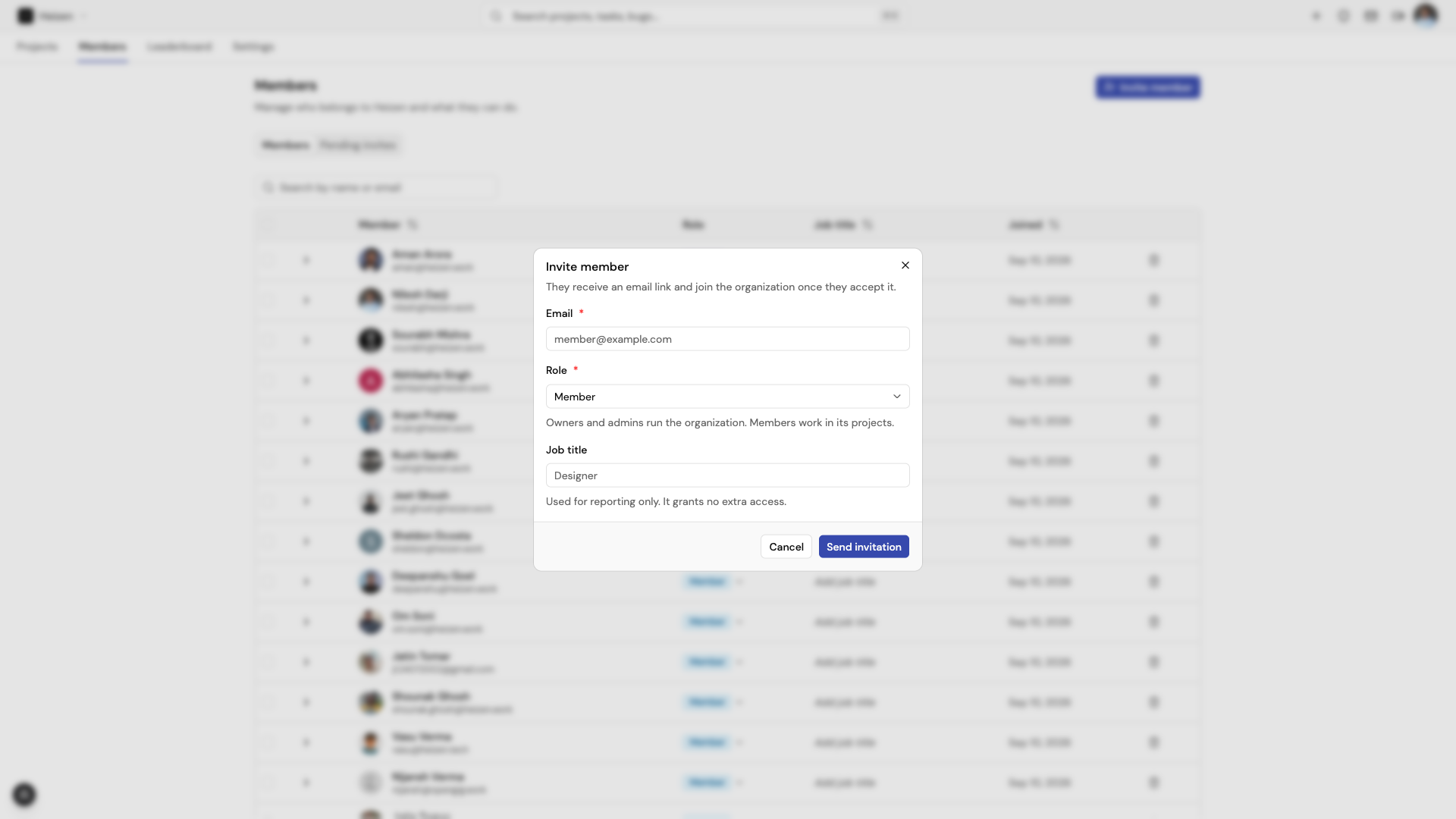
Owners and Admins are automatically Admins on every project in the organization — they don’t need to be added to a project’s member list to manage it. A plain Member has no project access until someone grants them one explicitly, either from the organization’s Members page (assigns a role on a specific project) or from that project’s own Team Members tab.
Project roles
Project access is its own grant, independent of — but combinable with — organization role. A project role is one of:
| Role | Description | Typical use |
|---|---|---|
| Admin | Runs the project. Full control over every project area, including members, invites, environments, API keys, repositories, and the audit log. | Project leads, tech leads |
| Member | Works in the project: full read/write access to content (stories, tickets, wiki, meetings, resources…), tests, and integrations. Cannot manage project admin settings — members, invites, environments, API keys, or the audit log. | Everyone actively doing the work |
| Guest | Everything a Member can do, with three carve-outs: cannot see or edit internal-only tickets, sprints are read-only (cannot create, update, lock, or unlock them), and cannot start or cancel a Helix agent run — though they can still follow one. | External collaborators — clients, reviewers, contractors |
Guests are invited from the project’s own Team Members tab, not from the organization Members page — a Guest is scoped to one project and shouldn’t appear in the organization directory as a full member.
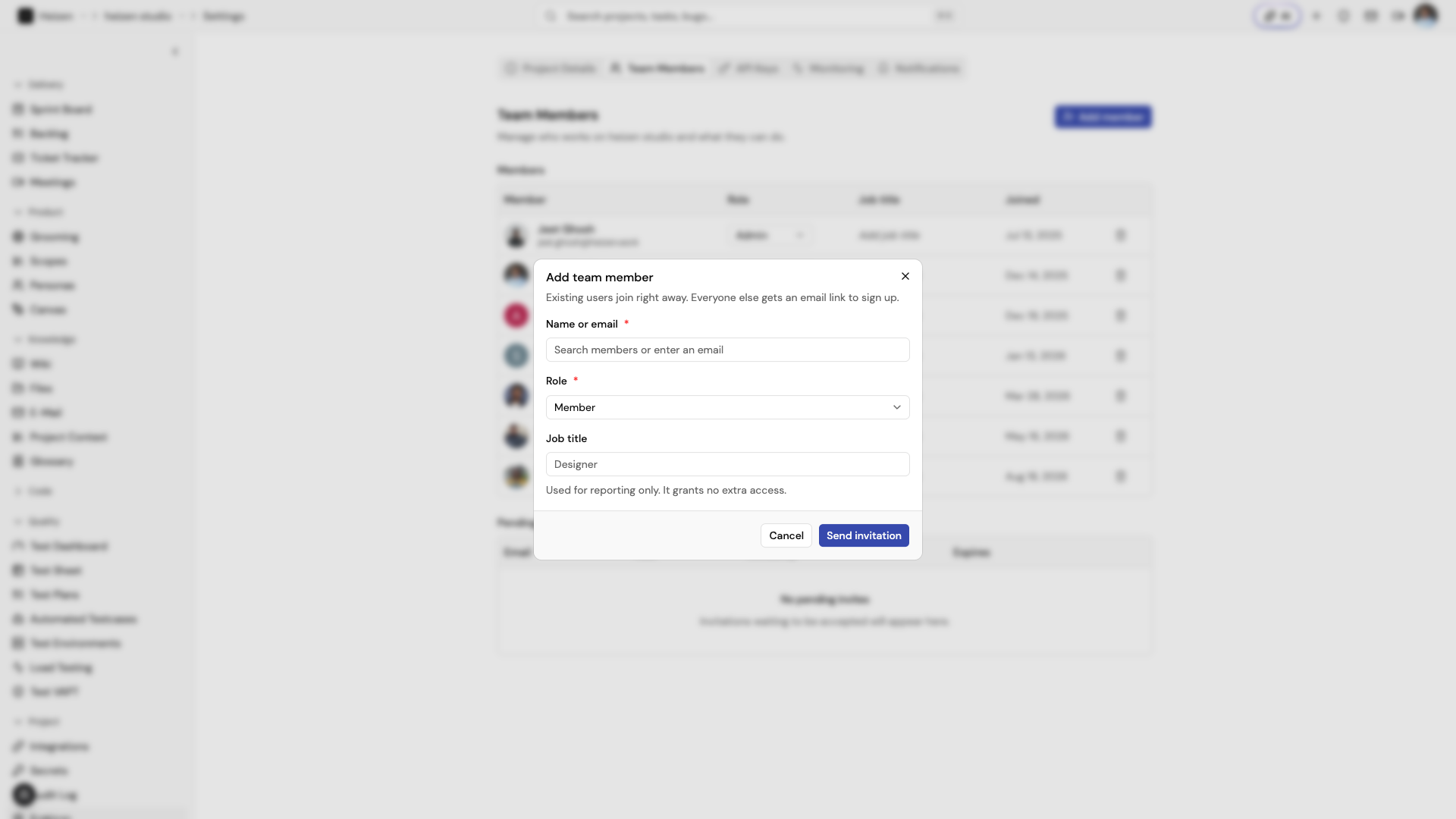
When someone has both an organization role and a direct project grant, the higher of the two applies — a project grant can only add access, never take it away.
What each project role can touch
Project-scoped data falls into a few groups. Admin can manage all of them; Member and Guest are limited to the first three:
| Group | Includes |
|---|---|
| Content | Stories, tasks, tickets and their comments, sprints, wiki pages and folders, canvas diagrams, project resources, meetings, project context, glossary, calendar events, Gmail threads, URL monitoring |
| Tests | Test suites, cases, plans, environments, executions, runs, defects, API test steps, VAPT reports, load test specs and runs, unit test reports |
| Integrations | The project’s connected integrations (linking a repository, connecting Jira, etc.) |
| Admin-only | Project members, project invites, linked repositories, environments (secrets), API keys, and the audit log |
A Guest’s carve-outs apply on top of this: internal tickets and sprint writes are blocked even though Guests otherwise sit in the “Member” tier for content.
How to reason about access
- “Can this person see the project at all?” — Yes if they’re an organization Owner/Admin, or if they (or their org) has an explicit project grant.
- “Can they change project settings, members, or secrets?” — Only project Admins (which includes every organization Owner/Admin).
- “Can they load secrets for local development?” — Yes for every project role, through a developer token. Only Admins can view or edit secret values in Studio.
- “Can they work day-to-day — tickets, stories, tests?” — Yes for Admin and Member; mostly yes for Guest, with the internal-ticket and sprint exceptions above.
- “Can they use the Catalog?” — Every organization member can browse, share, and upvote Catalog entries. Only an entry’s author, its contributors, and organization Owners/Admins can edit or delete it.
- “Can they see who did what?” — Only project Admins can open the Audit Log.