
Test environments describe where a run executes. Give each environment a clear name such as Development, Staging, or Production and store the configuration needed by the test runner in that environment.
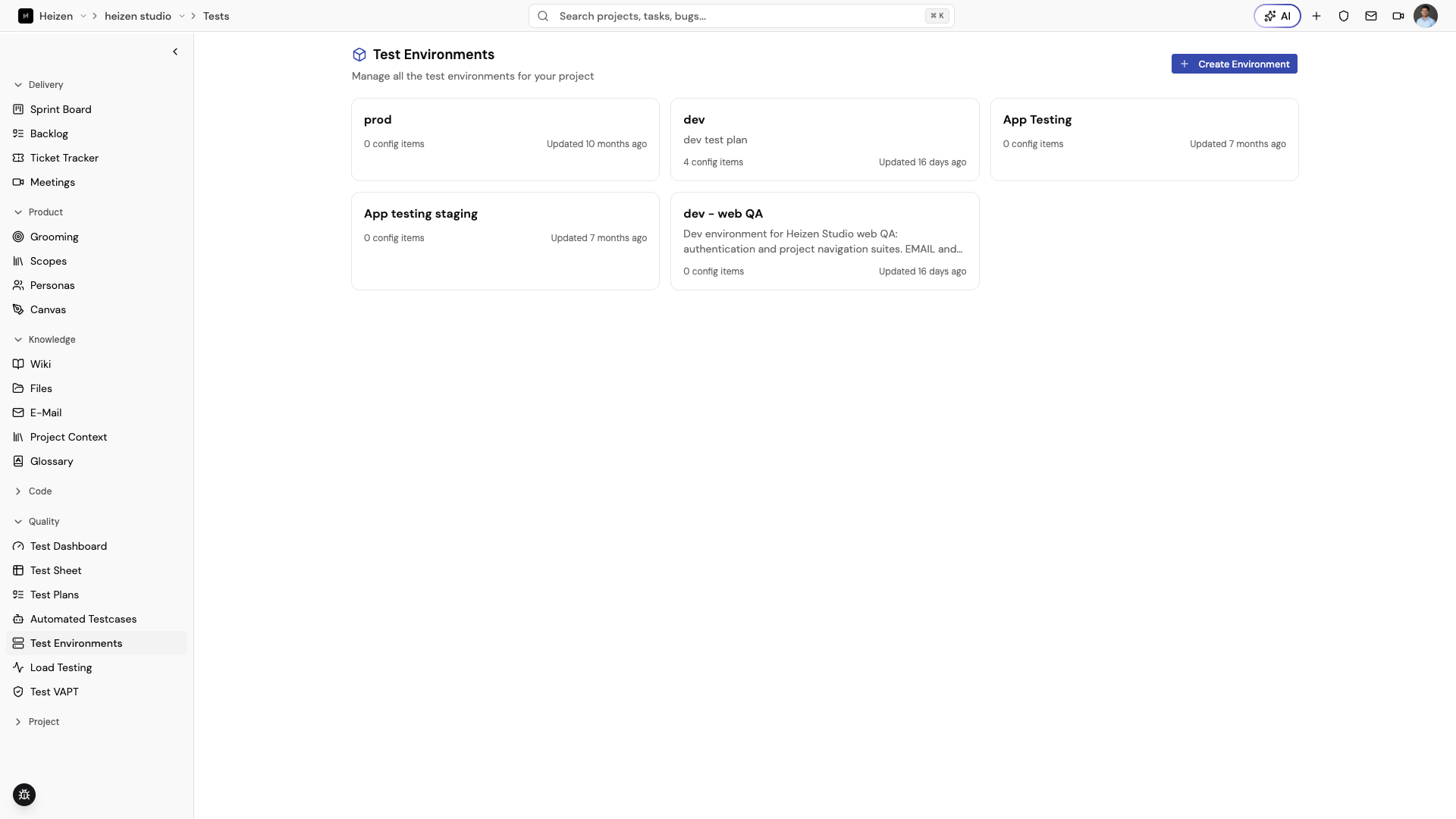
Create an environment
- Open QA Agent → Test Environments.
- Choose Create Environment.
- Enter a name and optional description.
- Open the environment to add or edit configuration values.
Use one environment per meaningful target. Do not create a new environment for every run unless the target or credentials actually differ.
Use an environment in execution
Select an environment when running a suite or plan, or set a default environment on the plan. If the runner asks for environment details, verify the selected environment before starting the run.
Protect credentials
Use project Secrets for sensitive values and keep the environment configuration limited to the references or non-sensitive settings the runner needs. Never paste production credentials into a test case title, description, or screenshot.