
The quickest useful path through Studio is to describe what you are building, break it into stories, and pull those stories into a sprint.
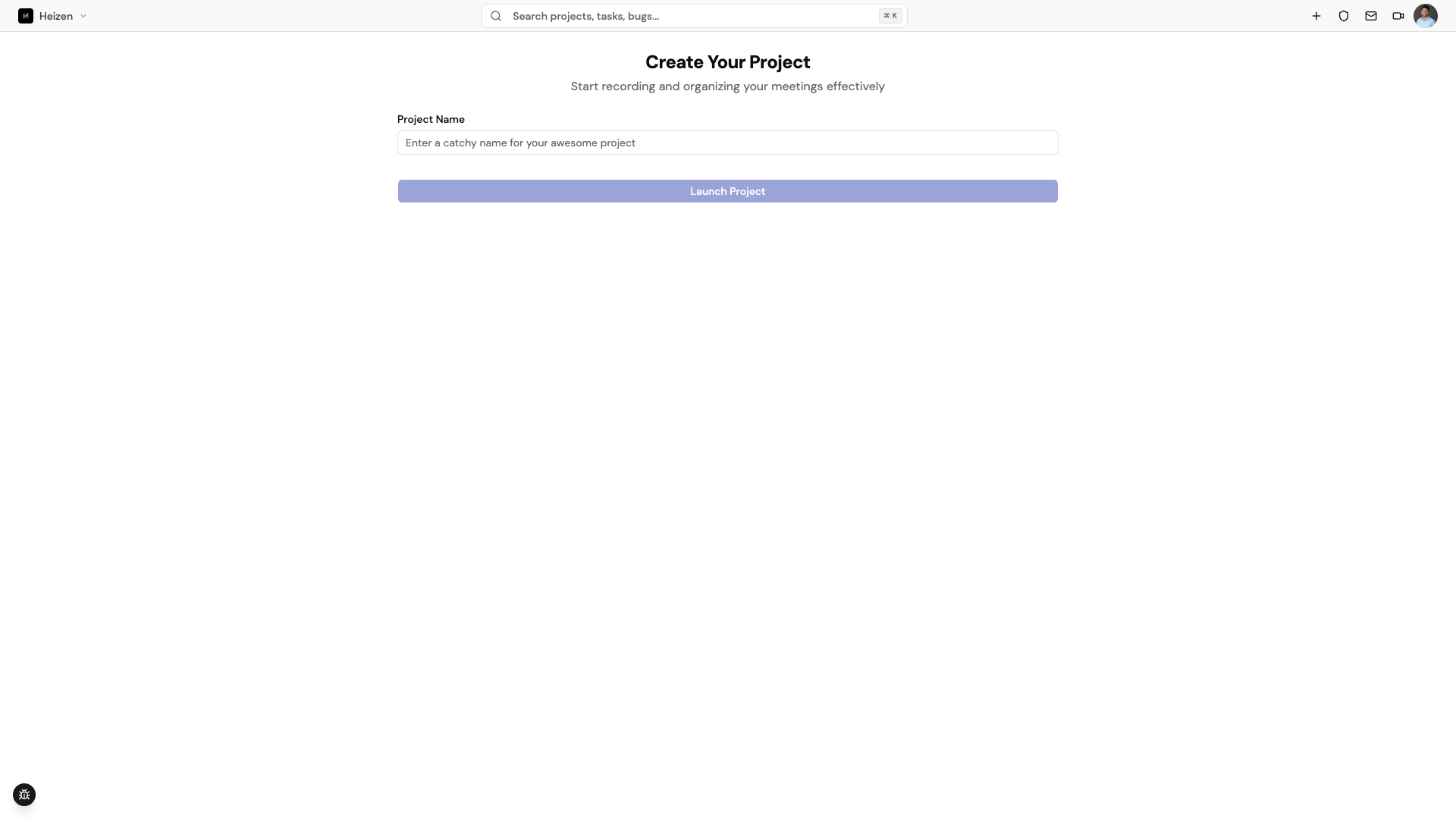
Create a project
Open studio.heizen.work, sign in, and choose Create Project from the dashboard or the plus button in the global header. Give the project a clear name; the rest of the Studio workspace is scoped to that project.
Build the backlog
Describe the product, its users, and the outcome you want to Helix, and ask it to draft epics and stories. Refine them in Delivery → Backlog.
Plan a sprint
Create a sprint, set its dates, and pull ready stories from the backlog onto the sprint board. The board becomes the team’s day-to-day execution view.
Add context and test coverage
Put supporting material in Knowledge, connect your repositories in Integrations, and use the QA Agent to create coverage from the stories.
A useful first-day checklist
- Add the product decisions or source documents the agent should use to the wiki or project files.
- Invite the people who will review and own delivery work from Project Settings.
- Connect GitHub or Jira before the first sprint if those tools are part of your workflow.