
Test VAPT is the project’s security testing surface. Use it to start an authorized vulnerability assessment and penetration test, then review the risk distribution and technical findings.
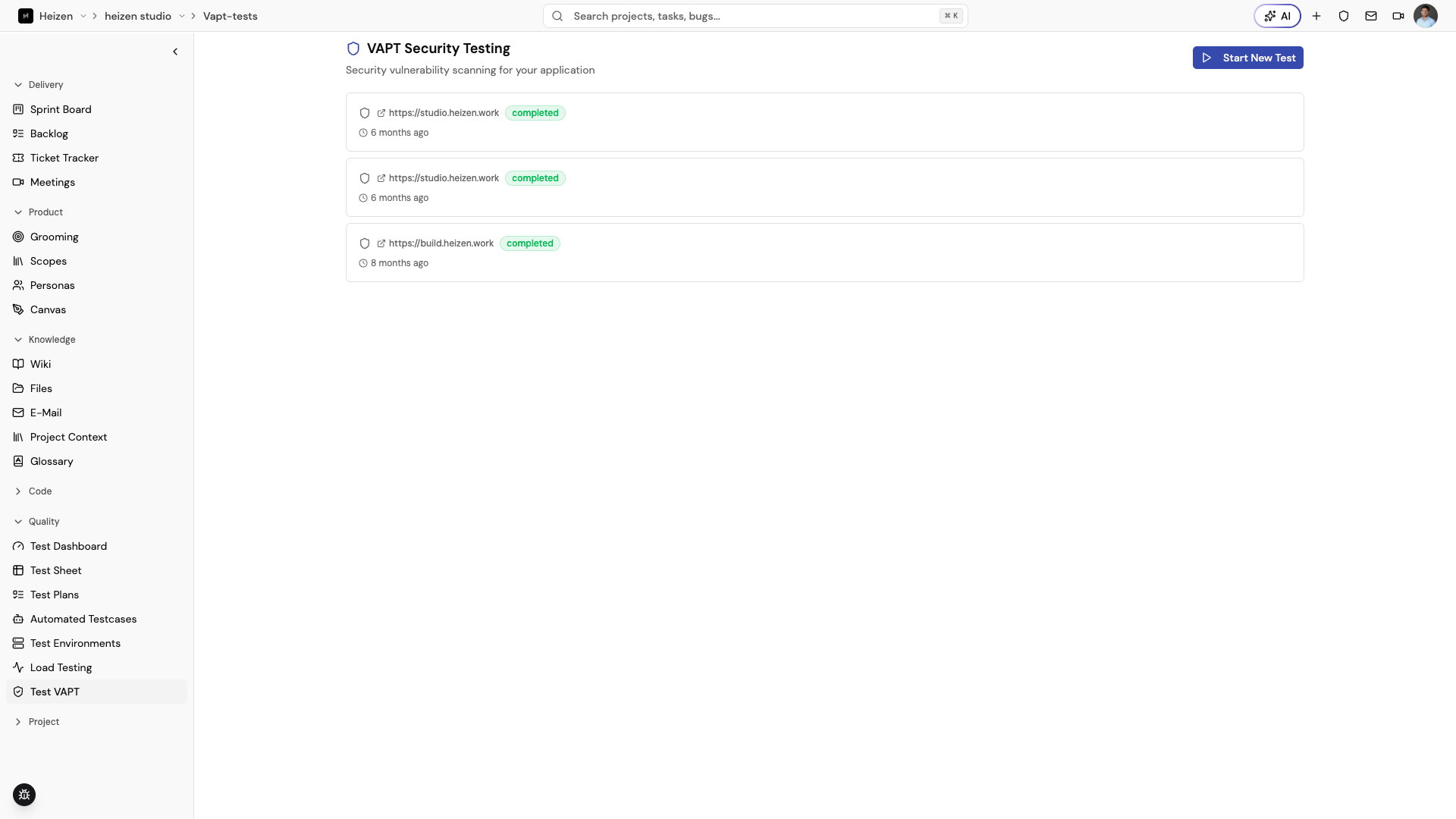
Start a test
Open QA Agent → Test VAPT and choose the action to launch a test. Confirm that the target, scope, and timing are approved before starting. Studio may enforce a cooldown between tests; wait for the existing test to finish rather than launching duplicates.
Review the result
Open a completed test to see:
- a summary of the test;
- risk distribution across High, Medium, Low, and Informational findings;
- technical insights such as response codes and endpoint metrics;
- finding descriptions, affected URLs, solutions, and references; and
- raw results when deeper investigation is needed.
Create or link a ticket for a finding that needs product or engineering follow-up. Keep the original security result as evidence.