
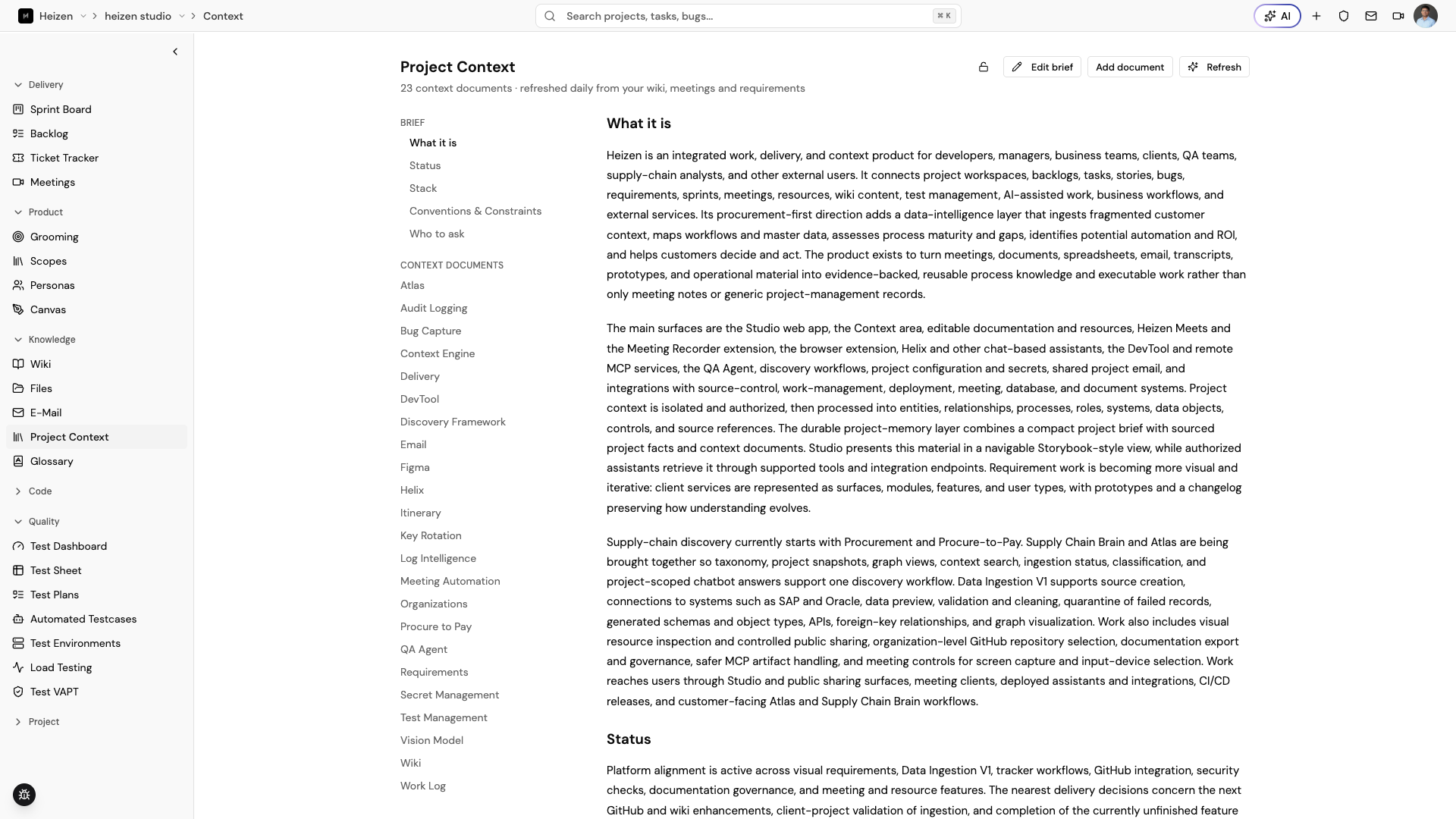
Knowledge → Project Context is a standing, auto-generated brief about the project. Studio refreshes it daily from the project’s wiki pages, meetings, and sprints so a new teammate — or Helix — can get oriented without reading everything that came before.
Read the brief
The brief is organized into a few standing sections:
- What it is — a plain-language summary of the product and its main surfaces.
- Status — what is actively being worked on right now.
- Stack — the technologies and services the project is built on.
- Conventions & Constraints — house rules and limits contributors should respect.
- Who to ask — who owns which area when you need a real answer.
Browse context documents
Below the brief, Context Documents lists the topic-level documents Studio
has extracted from the project’s knowledge sources, such as Delivery,
Requirements, Secret Management, and Test Management. Choose a document
to read the sourced detail behind a section of the brief.
Keep it current
- Choose Refresh to regenerate the brief and its documents from the latest wiki, meeting, and sprint content.
- Choose Edit brief to correct or add something the automatic summary missed.
- Choose Add document to add a context document that isn’t derived from an existing source.