
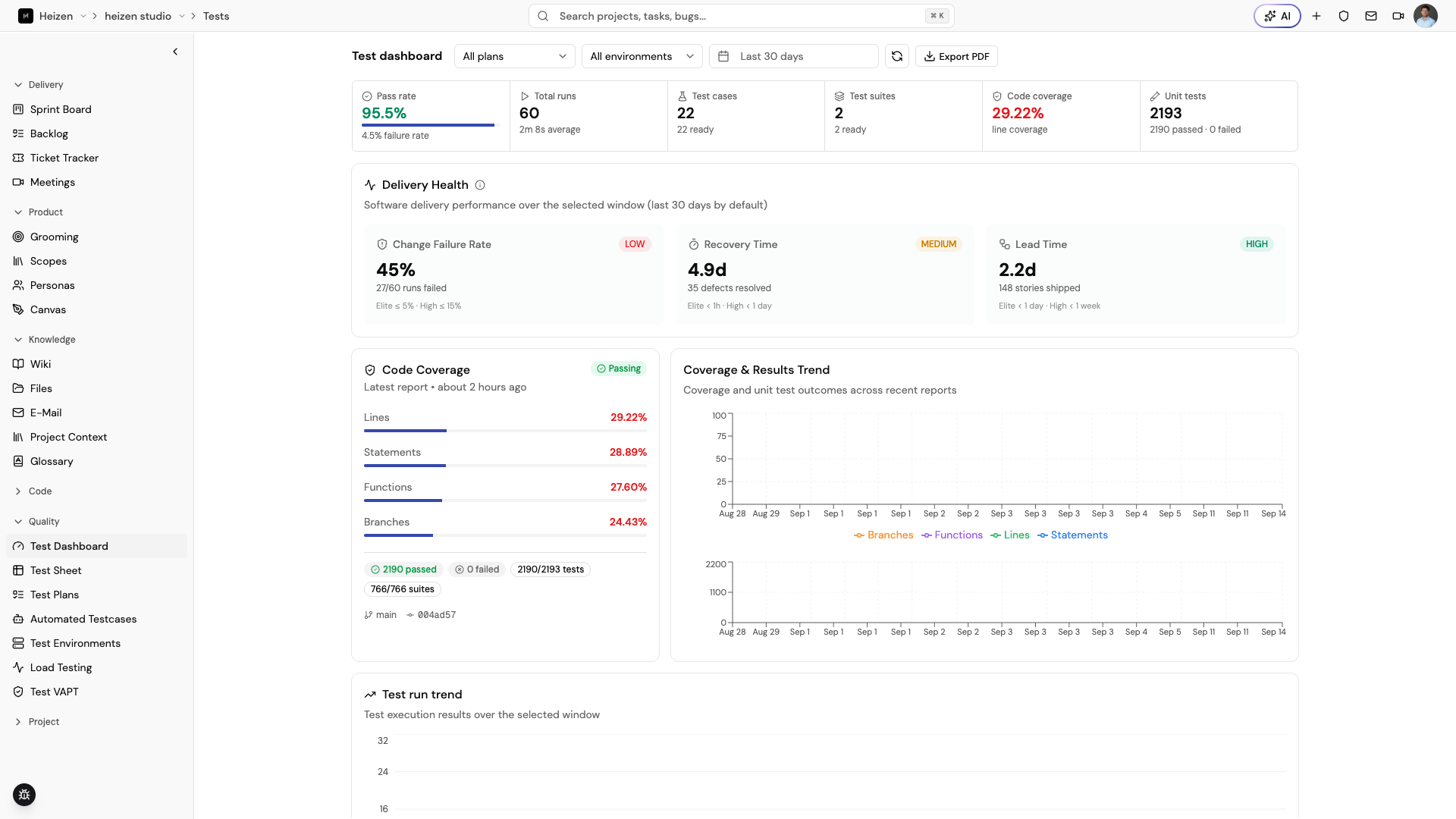
The QA Agent keeps test planning and execution close to the stories and requirements they verify. Use the surfaces below to move from coverage design to evidence about a release.
| Surface | Use it for |
|---|---|
| Test Dashboard | See execution status, coverage, delivery health, and exportable QA reporting. |
| Test Sheet | Organize suites and cases, edit them quickly, and run them. |
| Test Plans | Group cases for a release or sprint and run them together. |
| Test Environments | Store the environment configuration used by test runs. |
| Test Runs | Open executions and inspect individual run results, evidence, and defects. |
| Automated Testcases | Review automated test reports and coverage. |
| Load Testing | Define reusable API load specs and inspect performance runs. |
| Test VAPT | Run vulnerability assessment and penetration testing. |
A practical QA workflow
- Generate or write cases from the story’s acceptance criteria.
- Store reusable cases in a suite and group the release set in a plan.
- Configure a named test environment.
- Run the plan, suite, or security checks.
- Review the run detail and link defects back to Ticket Tracker.