
This is the release where Studio stops ending at its own boundary. Your organization, your repository, and your files are now first-class inside it — and the bug tracker grew up into a ticket tracker that handles what people actually file.
Organizations and permissions
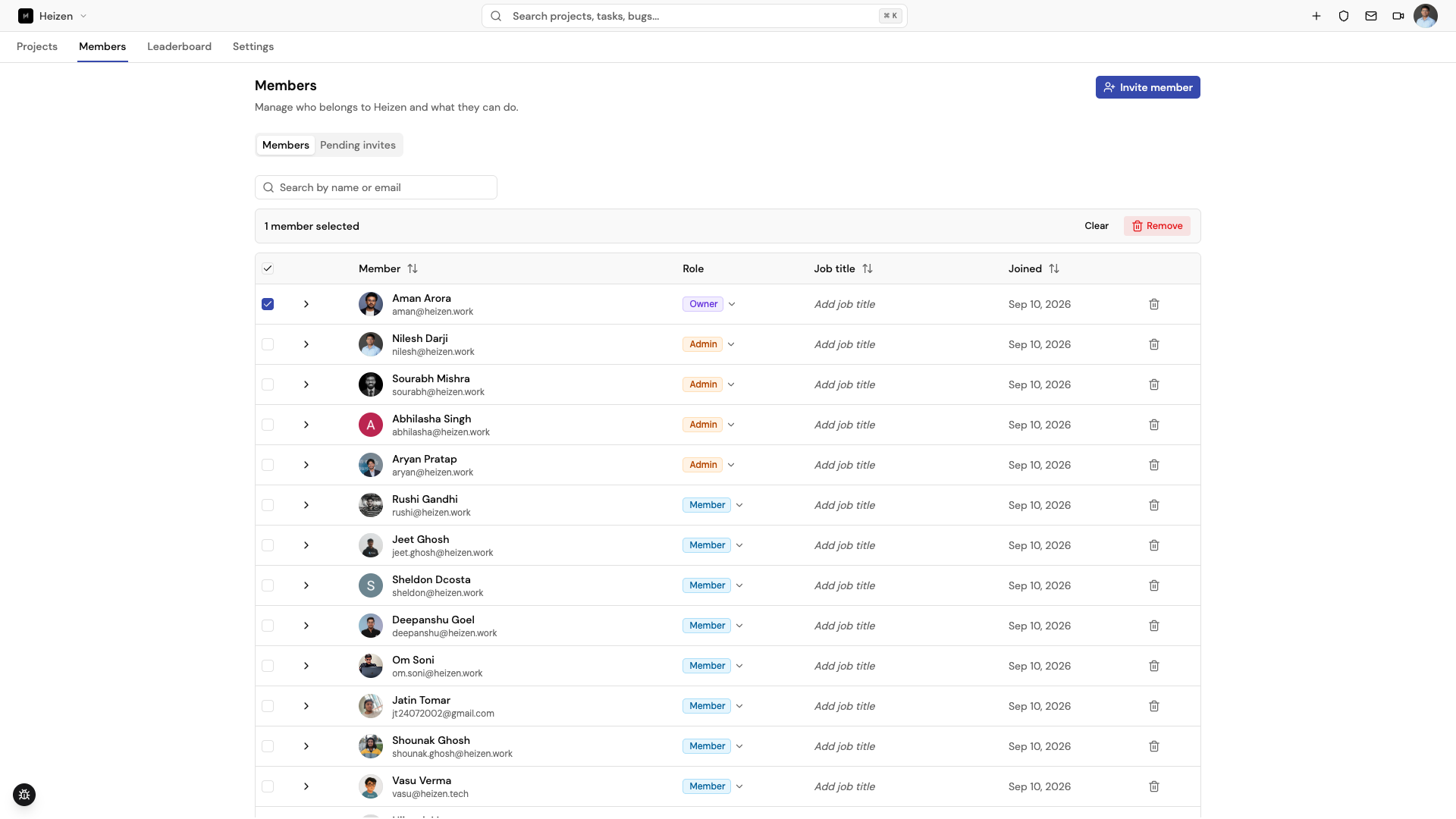
Projects live inside an organization. Membership, invitations, and per-project access are managed in one place, with bulk actions, role grouping, tabs for pending invites, and search on the members page.
Authorization runs through a single centralized policy and is fail-closed — an action with no rule permitting it is denied. Every change is still written to the audit log, so who changed what remains answerable.
MongoDB to PostgreSQL
Underneath all of this, Studio moved its database from MongoDB to PostgreSQL — the largest change in the release, and the one you should notice least. Every model became a relational schema with real foreign keys, cascading deletes, and unique constraints, so relationships the product always assumed — a ticket belongs to a project, a project belongs to an organization — are now enforced by the database rather than by application code.
Existing data was migrated with dedicated tooling, records moved to UUID identifiers, and migrations run as part of the production deploy. Sessions carrying a pre-migration identifier are rejected rather than half-resolving to the wrong record. If you store Heizen ids outside Studio, re-fetch them: they are UUIDs now. ⚠️
Role-based access through CASL
Roles and permissions are now a single shared rule set built on CASL, used by the server and the web app alike. One place defines what an organization Owner, Admin, or Member may do, what a project Admin, Member, or Guest may do, and how the two combine — the higher of the two grants applies, and an organization Member holds no project access until it is granted explicitly.
Because the rules are evaluated as database conditions rather than after-the-fact checks, a list you can see is filtered at the query, and the UI hides what you cannot do instead of letting you try and fail. The server packs its rules for the browser so both sides read the same definition, and requests remain fail-closed: an action with no rule permitting it is denied.
Your repository, in the project
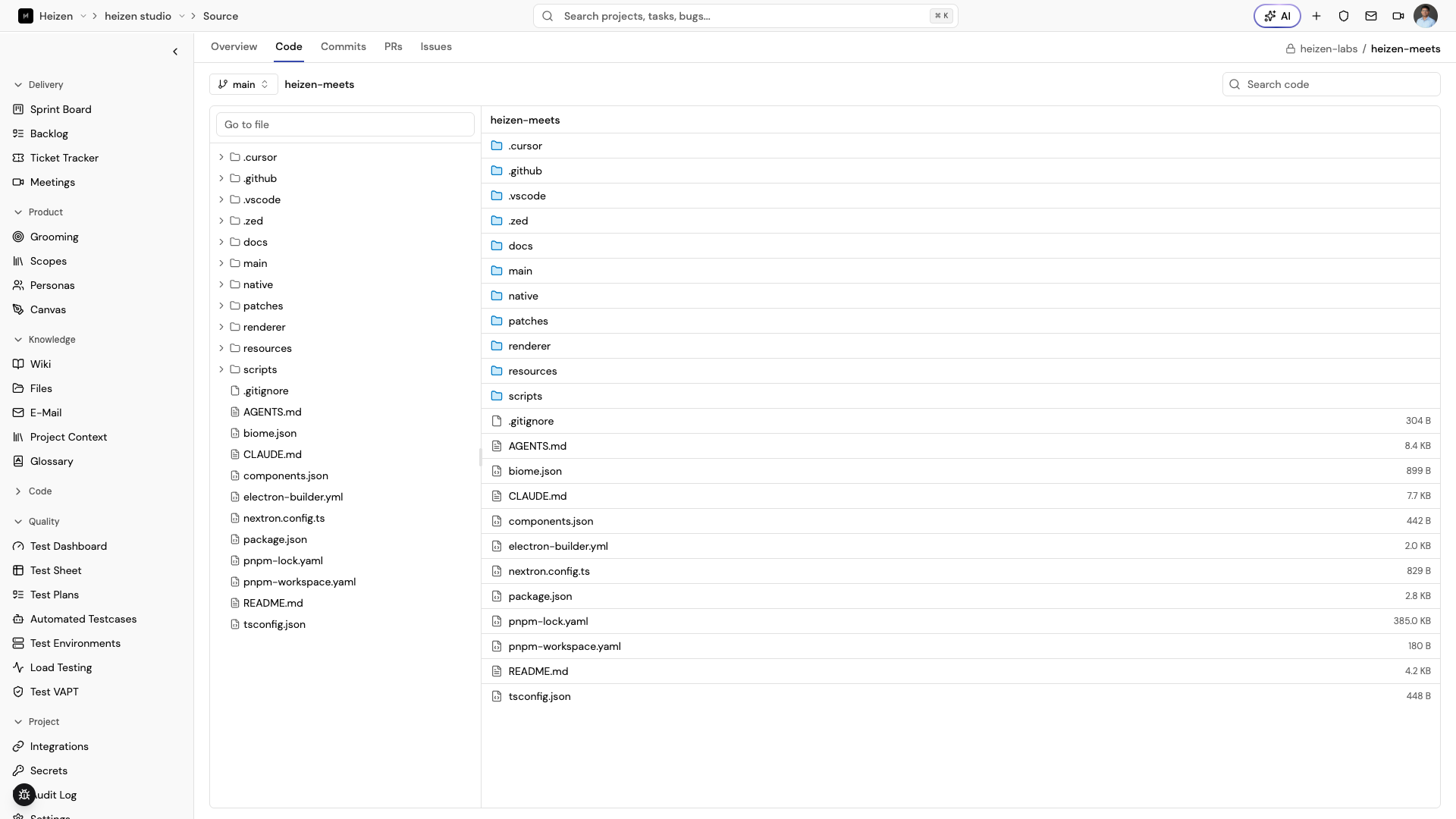
Link GitHub once at the organization level — across as many accounts as you have — and a project’s Code tab becomes a working view of the repository: branch and tag switcher, file tree, syntax-highlighted viewer, and repository-wide search, with ref and path in the URL so any view is shareable.
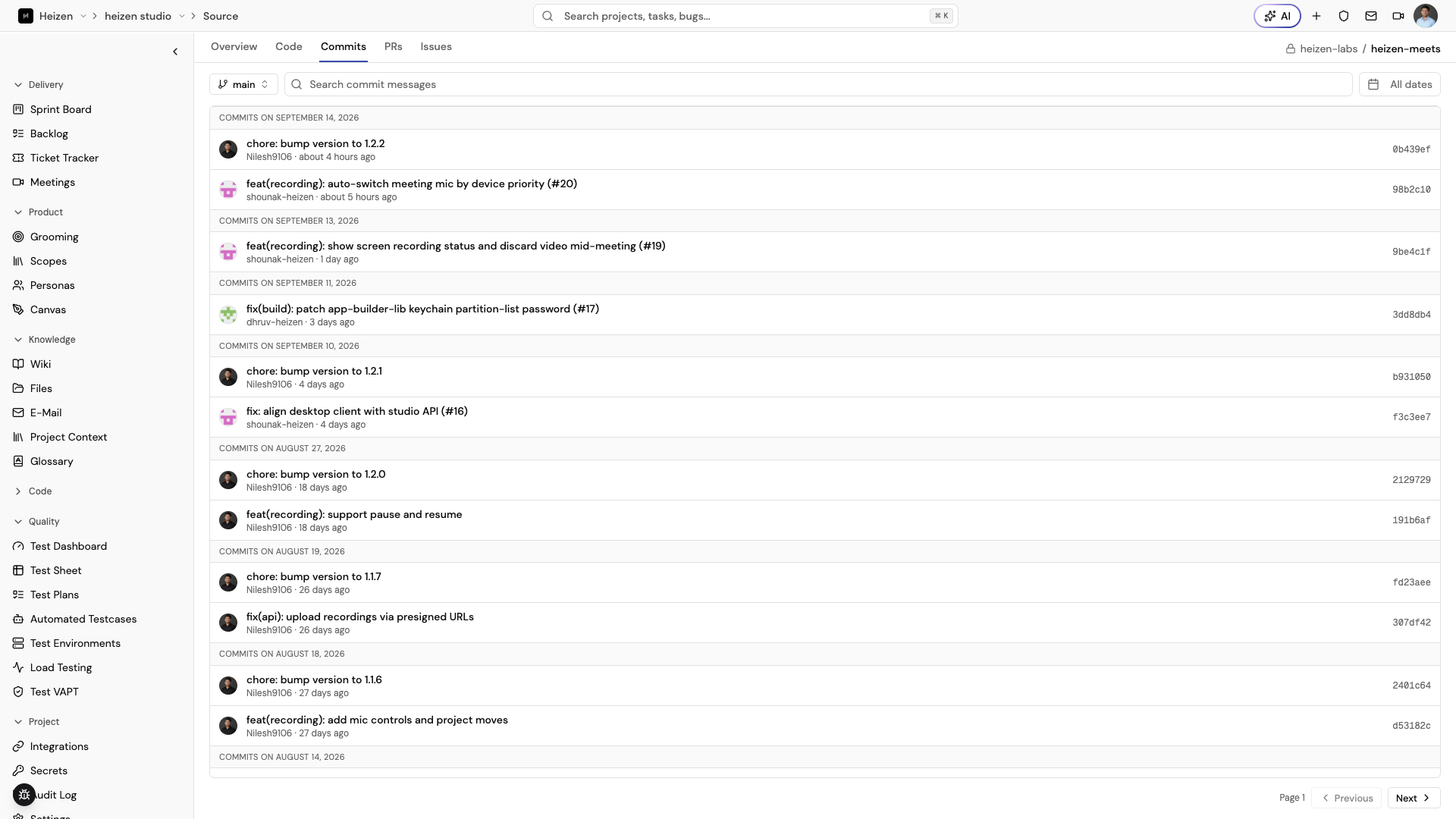
Commits list by branch with message search and date range, and open to diffs — unified or split — fetched a page at a time so a large commit stays fast. Pull requests and issues are browsable alongside them.
A ticket tracker, not a bug tracker
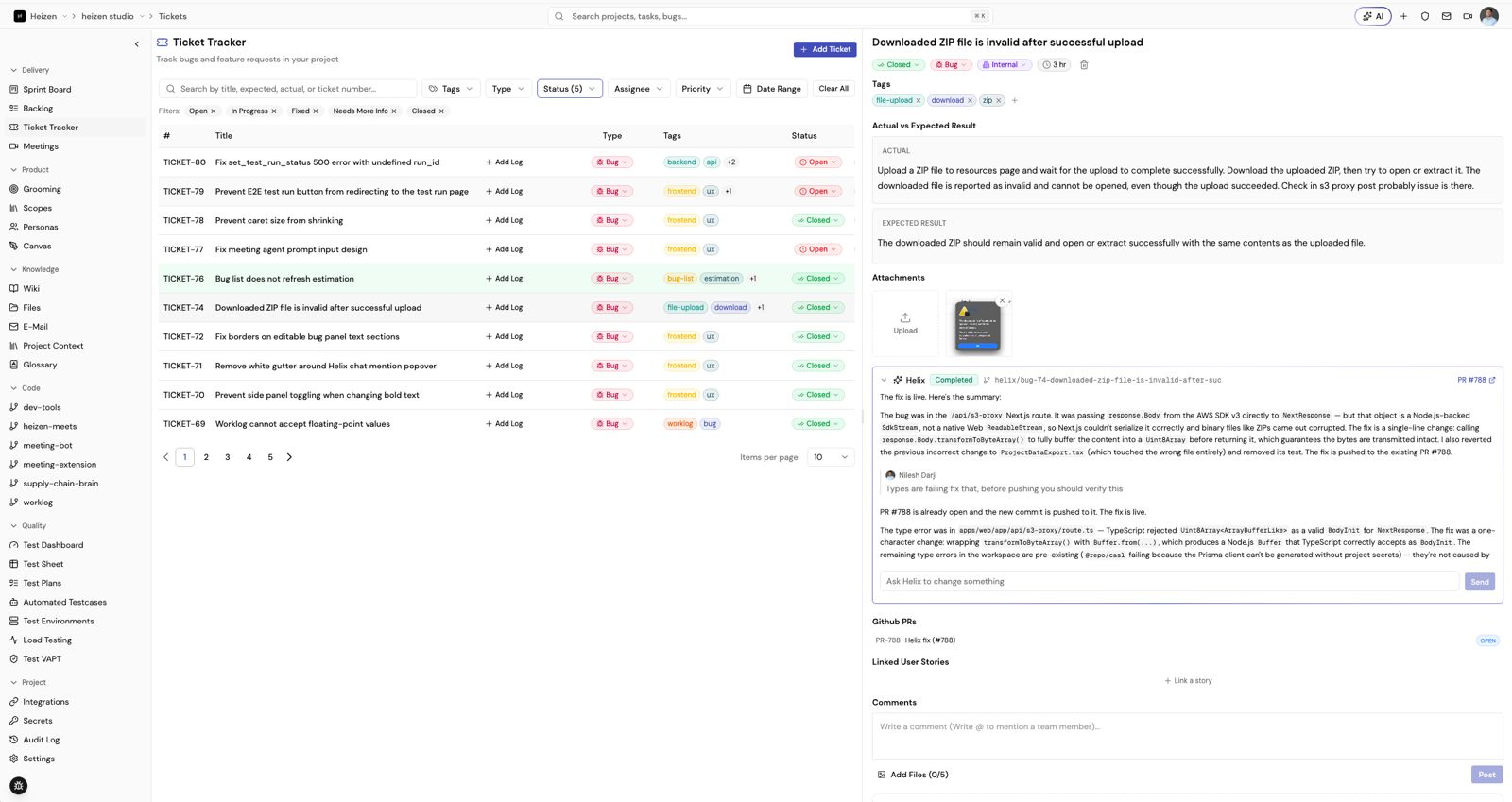
The bug tracker is now the Ticket Tracker. Every ticket carries a Ticket
Type — Bug or Feature Request — chosen up front, so an enhancement ask
stops being filed as a defect nobody intends to fix. Tickets are identified as
TICKET-<n>, the type is a column and a filter, the internal/external field is
now Source, and Convert to task is offered only where it makes sense —
on a feature request.
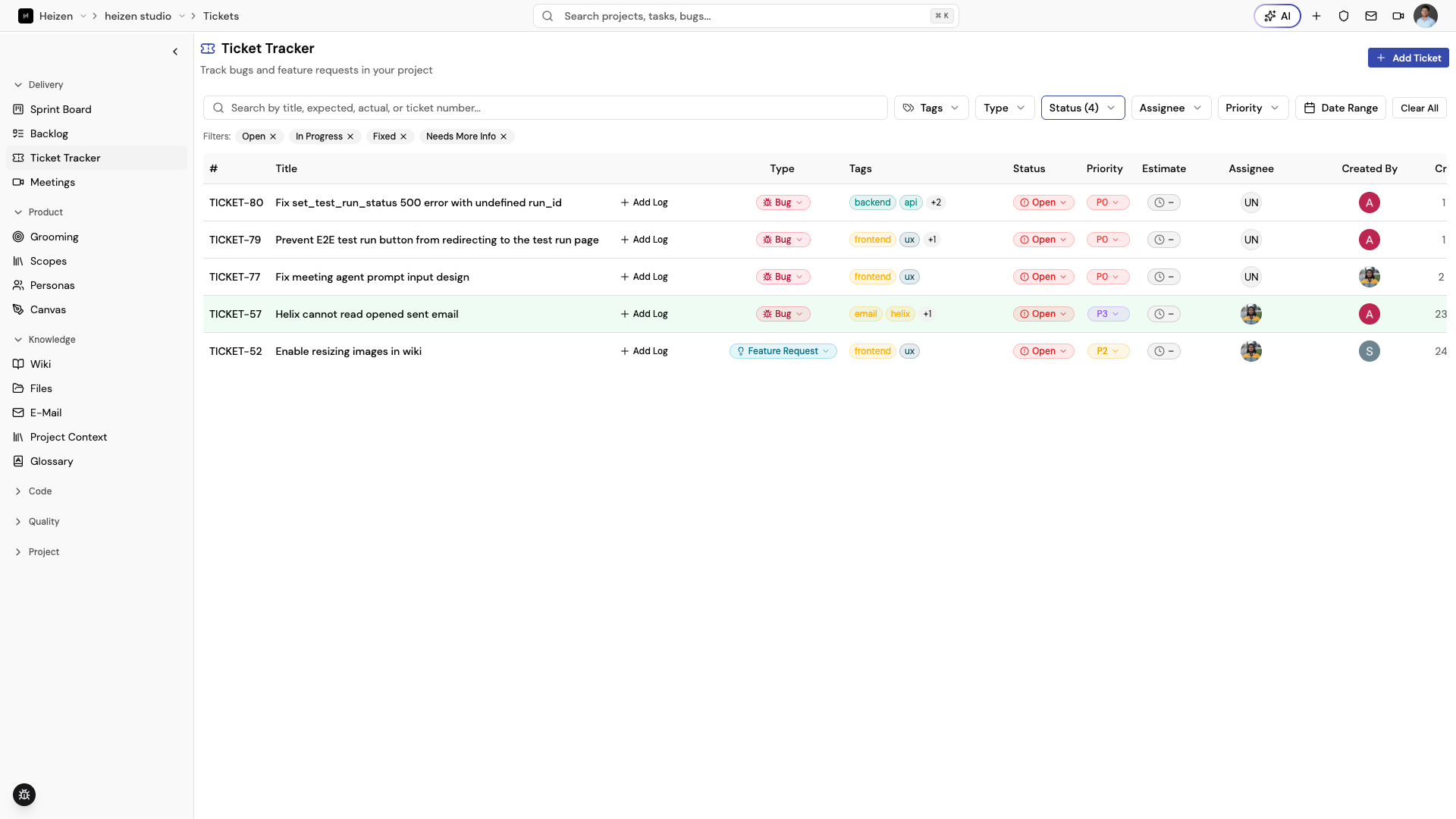
Report and assignment emails describe the ticket by its type, and the form and detail panel show only the fields that type needs.
Helix agent runs
Fix with Helix became a general agent run: target-aware, persisted, with a summary and pull-request lookup when it finishes, branch guards while it works, redacted logs, and conversational follow-ups so you can ask what it did instead of reading the container output.
Files you can read and share
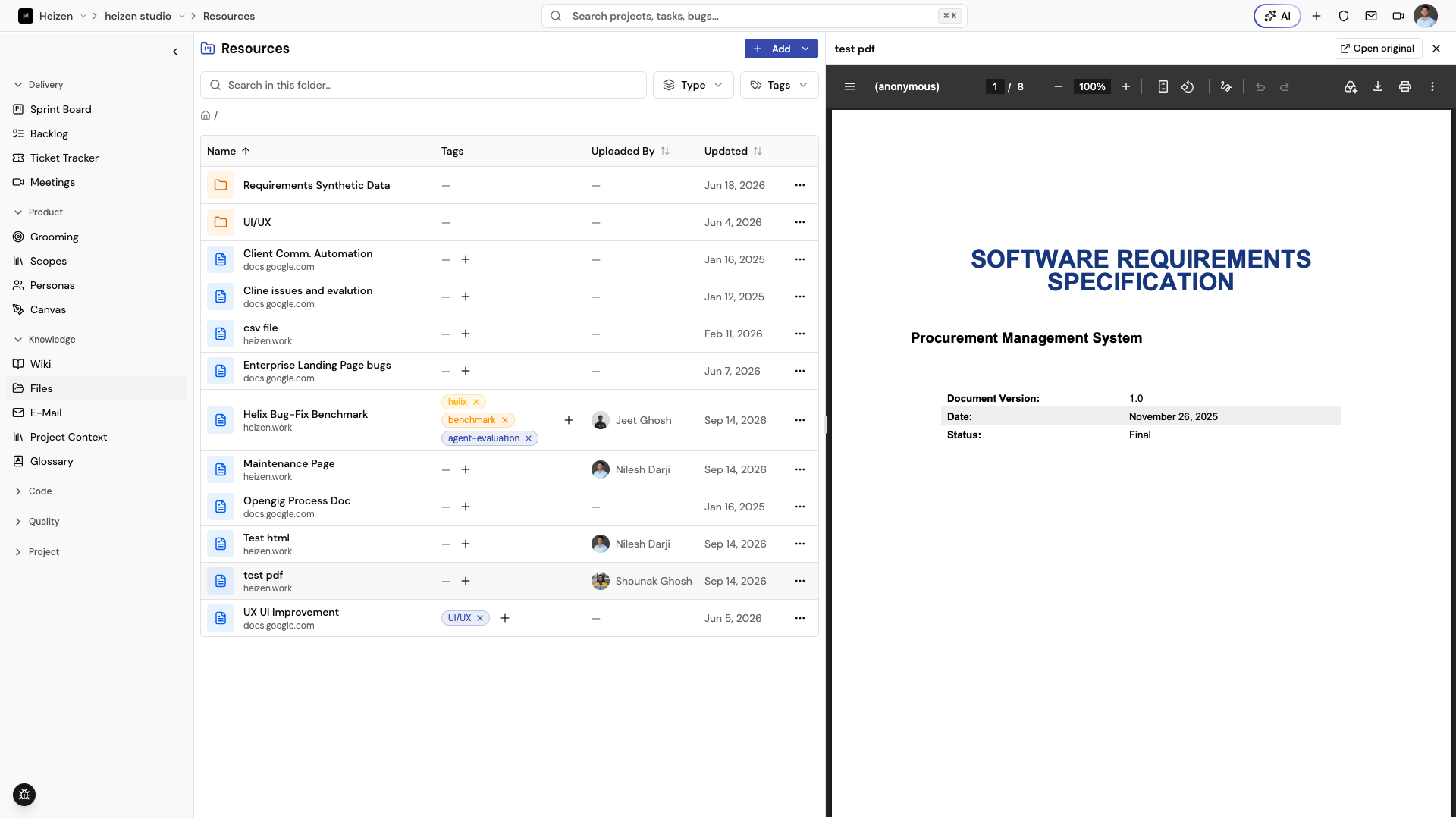
Project resources open in a preview panel — PDFs, documents, spreadsheets, markdown, HTML, images, and zip archives — with metadata and tag editing alongside, so checking a file no longer means downloading it.
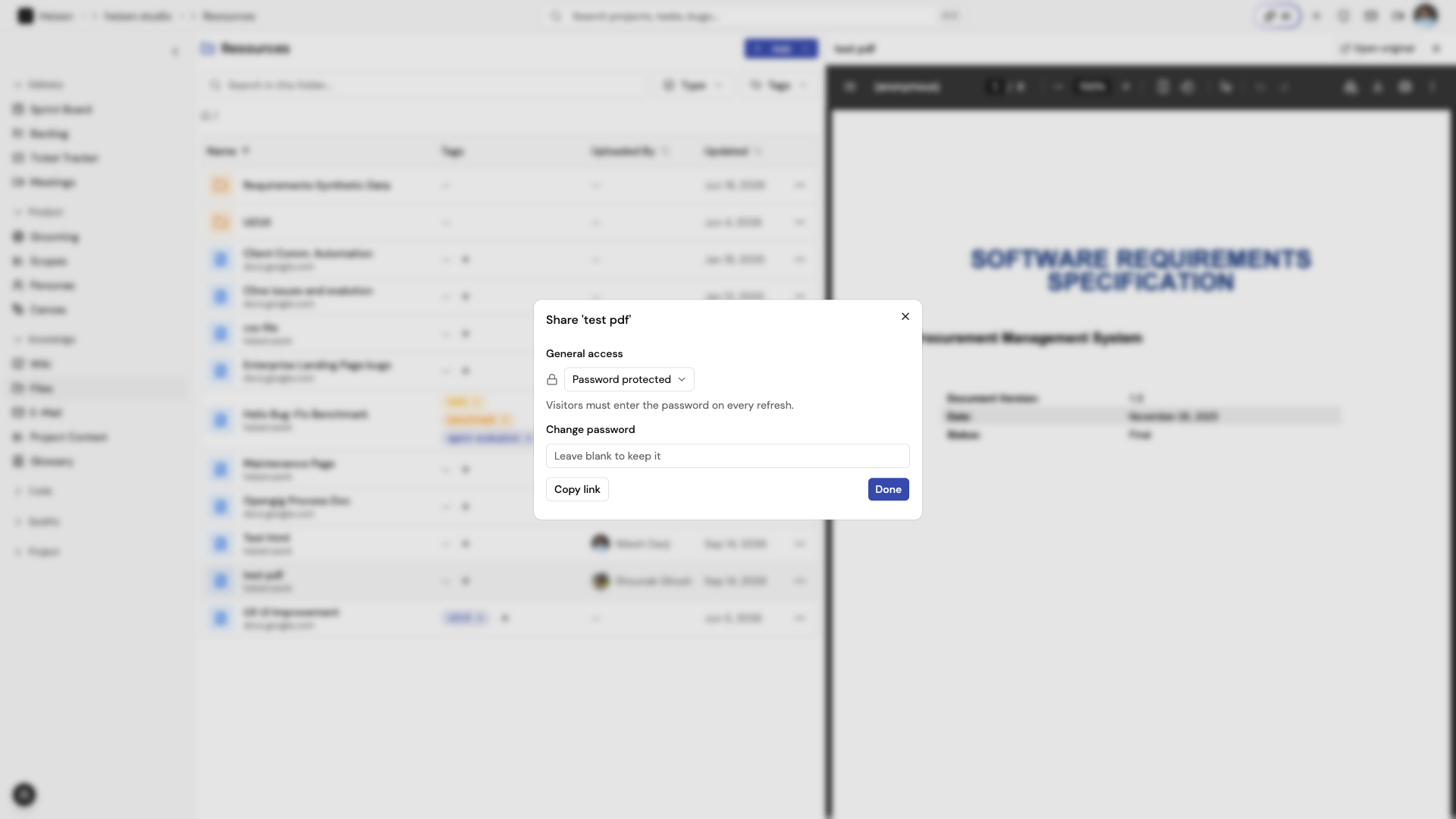
A resource can also be published as a public link for someone with no Studio account, with preview and download, and unsafe URLs rejected.
Wiki pages as PDF
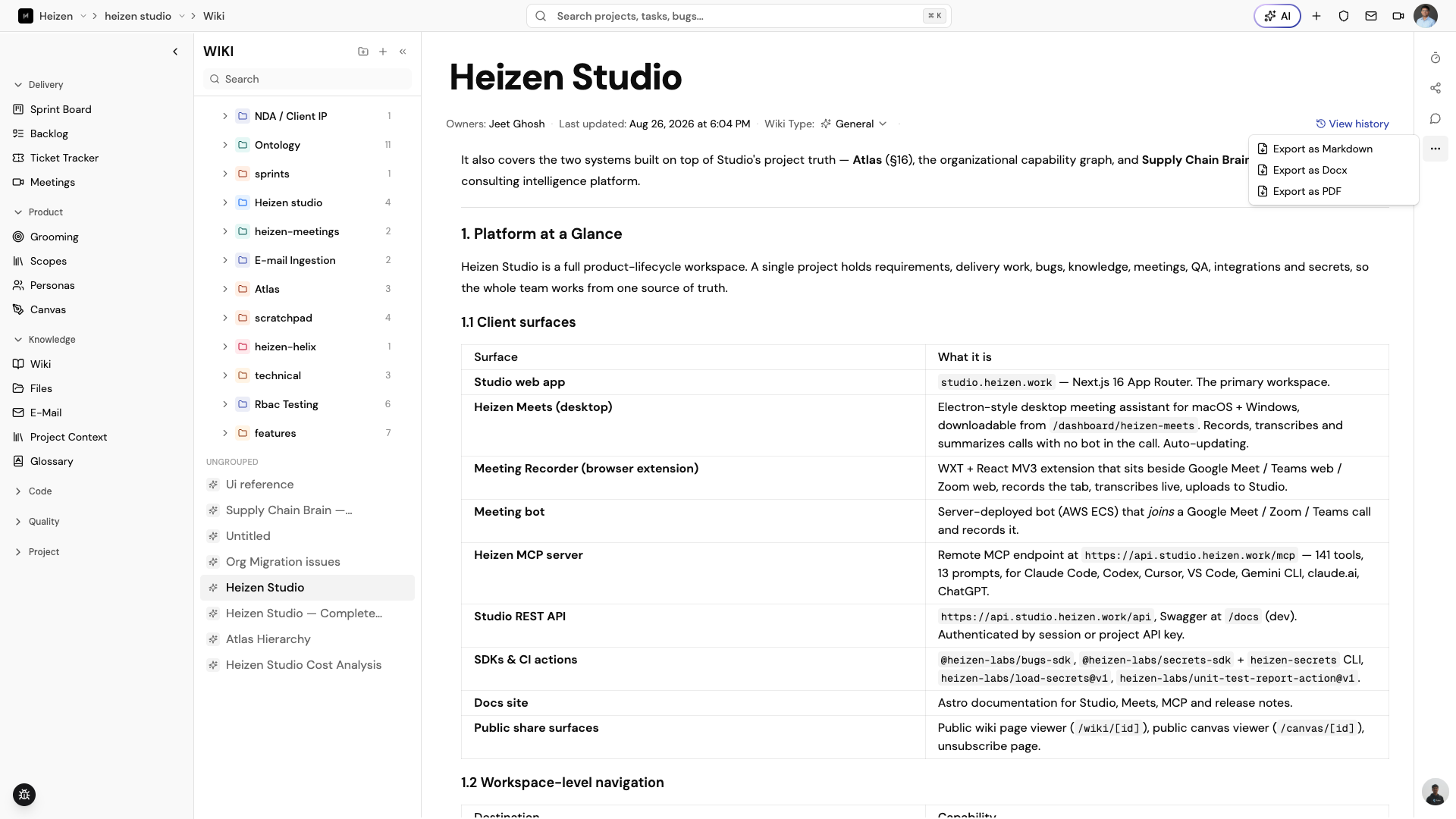
Wiki pages export to PDF in the browser rather than through a server-side conversion, matching the DOCX theme — serif body text, teal headings, filled table headers, code blocks and page footers. Images are inlined before rendering, so a failed image falls back to its alt text instead of breaking the export.
For integrations and MCP clients
MCP clients can upload local files as project resources through a short-lived
presigned upload, then link them with the existing resource tools; uploaded
documents queue for parsing the same way UI uploads do. Tools broken by removed
or renamed routes were repaired, and link_pull_request and
generate_test_cases_from_story were removed. ⚠️
Also in this release
- Source lists — branches, tags, comments, workflows, repositories — paginate as you scroll instead of truncating at 100 items.
- The sidebar remembers which sections you collapsed.
- Downloaded ZIPs and PDFs are no longer corrupted by an early object-URL revoke or an unbuffered proxy response.
- Stories and bugs link both ways, and bugs carry an estimate.
- The full Heizen Studio guide was rewritten against this release, with new pages for permissions, repositories, and the audit log.
Patch updates
- v1.15.3Your repository, inside StudioLink GitHub at the organization level and browse code, commits, pull requests, and issues without leaving the project — across multiple connected accounts.
- v1.15.2Agent runs, not just bug fixesThe bug-fix agent becomes a general agent run with conversational follow-ups and summaries, organization members gain bulk actions and search, and a batch of download and layout fixes land.
- v1.15.1Organizations, permissions, and a move to PostgreSQLStudio gains organizations with centralized CASL permissions and fail-closed authorization, moves its database from MongoDB to PostgreSQL, and links stories and bugs both ways.