
This release brings more of the early product workflow into Heizen Studio. Helix can inspect a working prototype before helping shape requirements, Wiki authors can generate and refine content without leaving the editor, and canvases can be shared as focused view-only links.
Explore prototypes with Helix
Add a public HTTPS prototype as a Reference in project Resources, then ask Helix to explore a flow or product area. Helix moves through the prototype in a protected, read-only browser session and reports the screens, transitions, validation states, gaps, and user-flow opportunities it actually observes.
When requested, Helix can use those findings to help create requirements or user stories. Prototype content is treated as untrusted evidence, and exploration remains limited to the registered website without logins, form submissions, or external side effects.
Write and refine Wiki content with AI
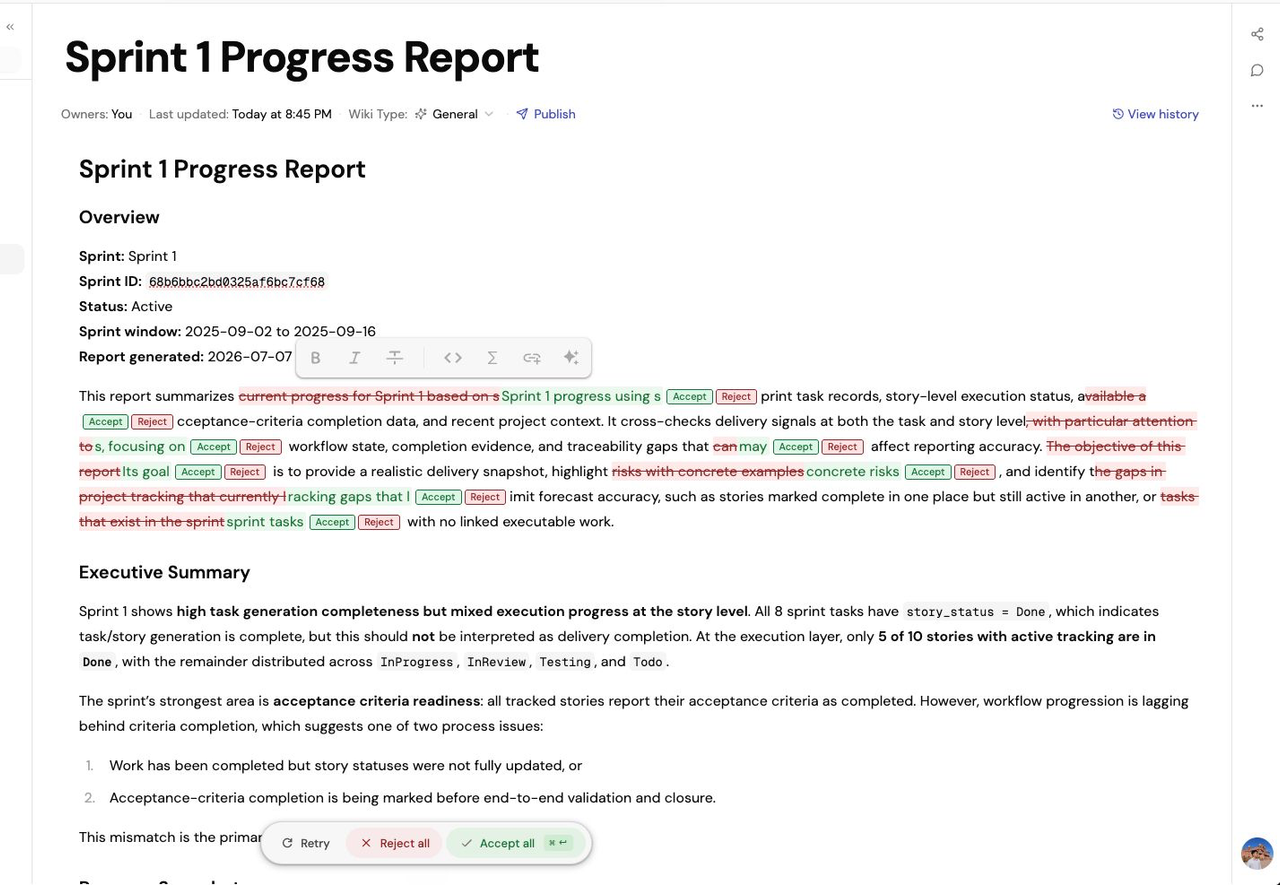
AI assistance is now built into the Wiki editor. Select existing text to rewrite it with a custom instruction, or invoke AI at the cursor to generate a focused addition that follows the surrounding document.
Responses stream directly into the editor as Markdown, preserve the tone and structure of the document, and stay scoped to the selected content or insertion point.
Preview Mermaid diagrams as you write
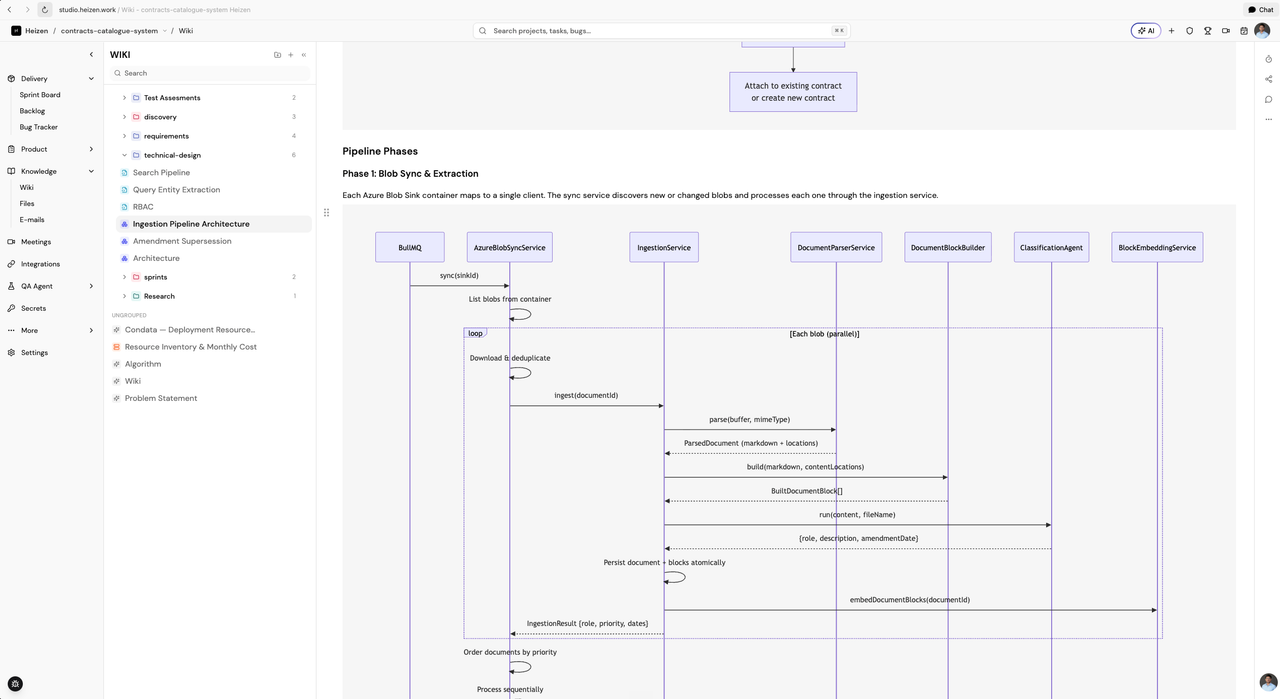
Mermaid code blocks now render as diagrams inside the Wiki editor. Invalid diagrams show a clear inline error, while valid previews adapt to light and dark themes.
Document typography has also been refreshed across headings, lists, tables, code, quotes, and media for a more consistent reading and writing experience.
Share canvases as view-only links
Canvas creators, project managers, and admins can make a diagram available to anyone signed in with its link. Shared canvases open in a clean, view-only experience with the canvas title and creator visible, while restricted canvases remain available only to project members.
A clearer project workspace
Project navigation is now organized around how teams work:
- Delivery brings together the sprint board, backlog, and bug tracker
- Product groups grooming, requirements, personas, and canvas
- Knowledge contains Wiki, files, references, and email
- QA places test sheets, dashboards, plans, repositories, and automated testing in one section
- Less frequently used tools are collected under More
Faster project invite onboarding
New teammates joining through a project invitation now arrive with their email prefilled, skip the separate email-verification step, sign in automatically after registration, and continue directly to the invited project.
Invite links are single-use and project-bound, while the regular signup flow remains unchanged.
More dependable AI workflows
AI tasks across Wiki, planning, meeting summaries, Figma analysis, acceptance criteria, and functional coverage now use reasoning levels matched to the work. Expanded tracing also helps the team identify generation failures and improve response reliability more quickly.
Patch updates
- v1.10.8AI assistance inside the Wiki editorRewrite selected text or generate new Markdown at the cursor without leaving your document.
- v1.10.7Better Wiki typography and Mermaid previewsDocuments are easier to read, and Mermaid code blocks now render as diagrams in the editor.
- v1.10.6More complete project answers from HelixLarger result sets now paginate correctly so Helix can account for every matching project item.
- v1.10.5Helix planning updates now land directlySprint, backlog, and requirement changes no longer wait in a separate proposal workflow.
- v1.10.4Faster project invite onboardingInvited teammates can register and continue directly into the project with fewer steps.
- v1.10.3Project navigation organized around your workflowA clearer sidebar groups tools into Delivery, Product, Knowledge, QA, and More.
- v1.10.2Helix can explore working prototypesAsk Helix to inspect a registered public prototype and report the flows it observes.
- v1.10.1Shareable canvas viewsTurn a project canvas into a focused view-only link for signed-in collaborators.