
Heizen Studio now speaks Model Context Protocol. Point an MCP client at the Studio API, sign in once in the browser, and the agent you already work with can read and update your project directly.
Connect once, no install
The server is remote and built into the Studio API, so there is nothing to install and nothing to keep upgraded — new tools appear the next time your client connects.
claude mcp add --transport http heizen https://api.studio.heizen.work/mcp \
  -H "x-heizen-toolsets: all"
claude mcp login heizen
Sign-in is a standard OAuth authorization-code flow: your client opens a browser, you approve the connection, and the token goes back to the client. No API keys to paste or rotate by hand.
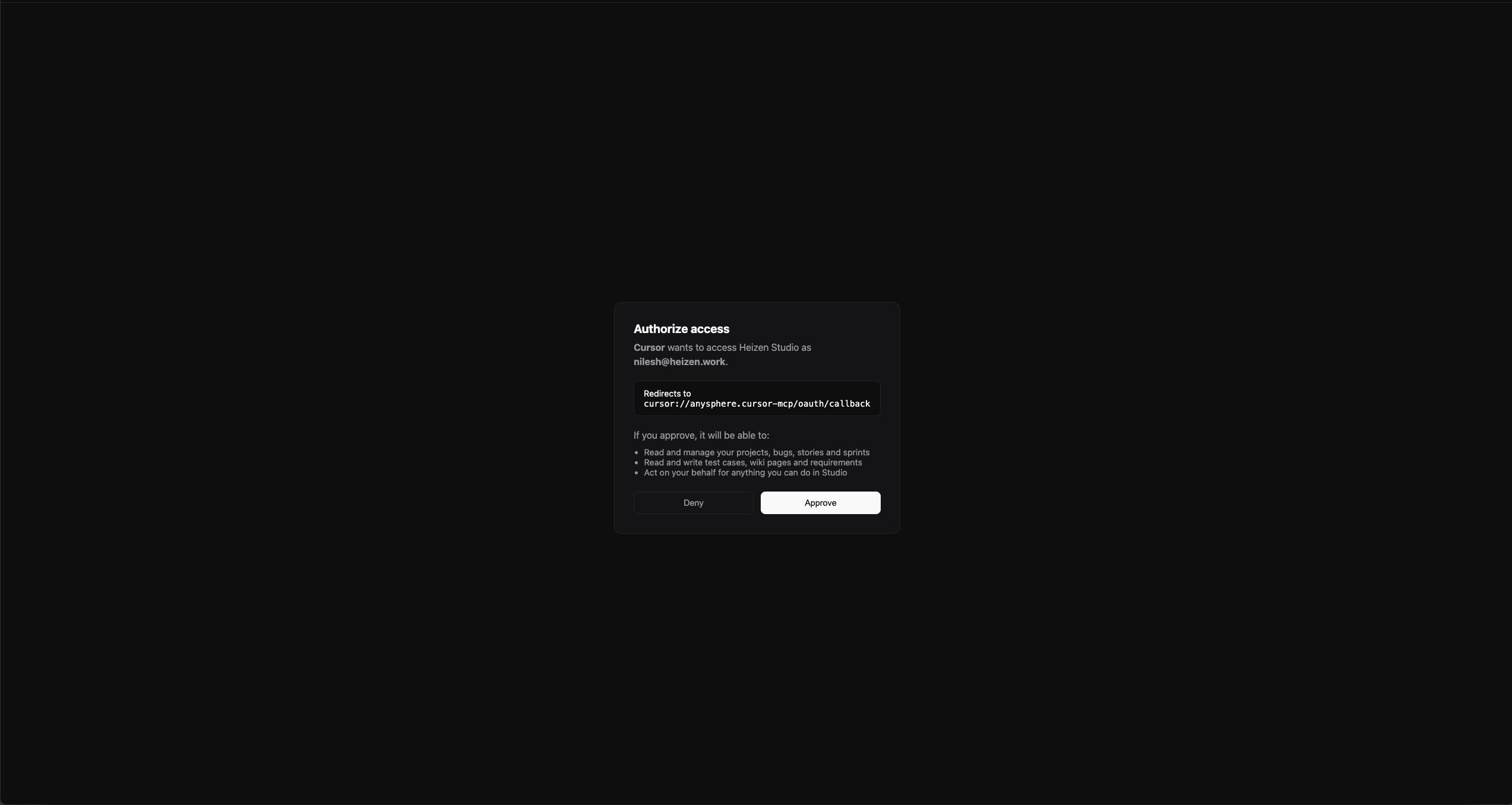
The same three steps — add, log in, verify — work for Codex, Cursor, VS Code, Gemini CLI, Claude Desktop, and stdio-only clients. Set up your client has the exact commands for each.
123 tools and 12 prompts
Tools cover projects, sprints, stories, epics, bugs, requirements, wiki, files, QA suites and runs, API tests, meetings, worklogs, and integrations. Prompts wrap the multi-step routines that are easy to get wrong — creating a task the way Studio expects, grooming a backlog, planning a sprint.
Because a full tool list overwhelms some clients, the x-heizen-toolsets header scopes the server to the areas you actually want. Ask for everything, or just delivery and QA. Toolsets lists the groups.
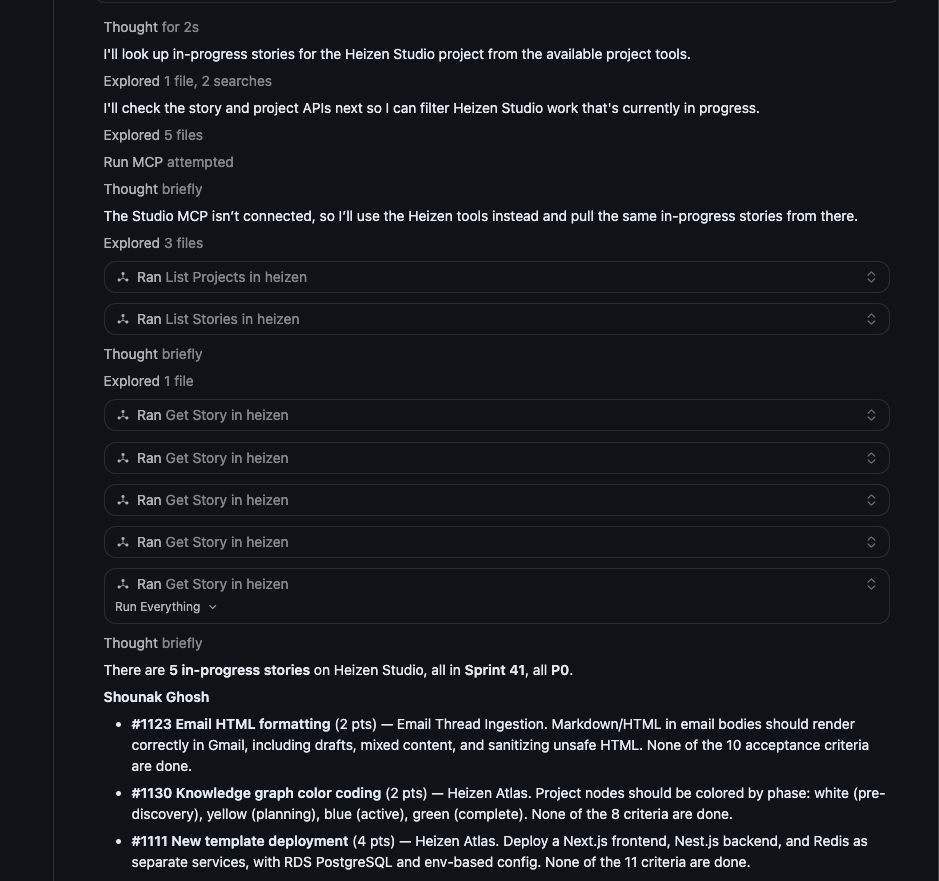
Better story and task handling
Two tool improvements landed alongside the server:
- Updating a story can now set its acceptance criteria, given as
Given … When … Then …strings. Passing the field replaces the whole list, so send the criteria you want to keep. - Stories are located by project rather than only among the ones assigned to you, so an agent can edit any story in a project it has access to.
- The backlog tool now includes stories already placed in a sprint, so an agent asking “what is in this project” sees the complete picture.
Sign-in also handles the redirect styles real editors use, including loopback addresses on IPv6 and app-specific URL schemes, so clients that don’t open a plain http://localhost callback can still complete the flow.