
Home combines today’s schedule with your recorded meeting history. Use it to move from an upcoming call to its notes without changing screens.
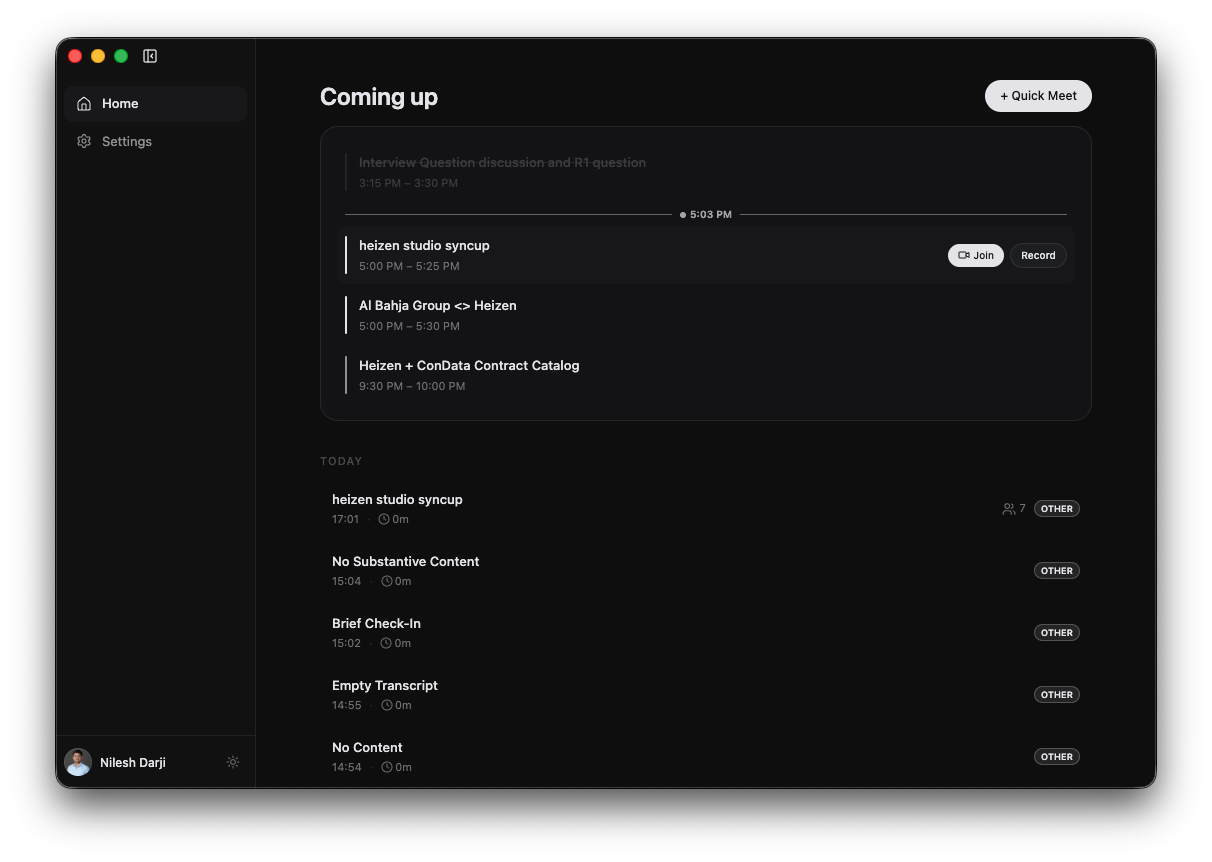
Understand Home
- Coming up shows today’s connected-calendar events in time order.
- The current-time divider separates completed events from active and upcoming events.
- + Quick Meet starts a recording that is not tied to a calendar event.
- The history below the calendar groups recordings by date.
- A meeting row can show its start time, duration, attendee count, category tags, and a Live or Processing status.
Connect Google Calendar
Calendar connection is managed through Heizen Studio.
Open Settings
Connect the calendar
In Calendar, select Connect. Heizen opens the Heizen Studio settings page in your browser; complete the Google Calendar connection there.
Confirm the integration
Return to Heizen Meets. Google Calendar, Active, and Connected appear in Settings, and today’s events appear on Home.
If the integration is missing, Home displays Calendar not connected. If it is connected but your day is empty, Home displays No events scheduled for today.
Record a scheduled event
Move the pointer over an event to reveal the Record action.
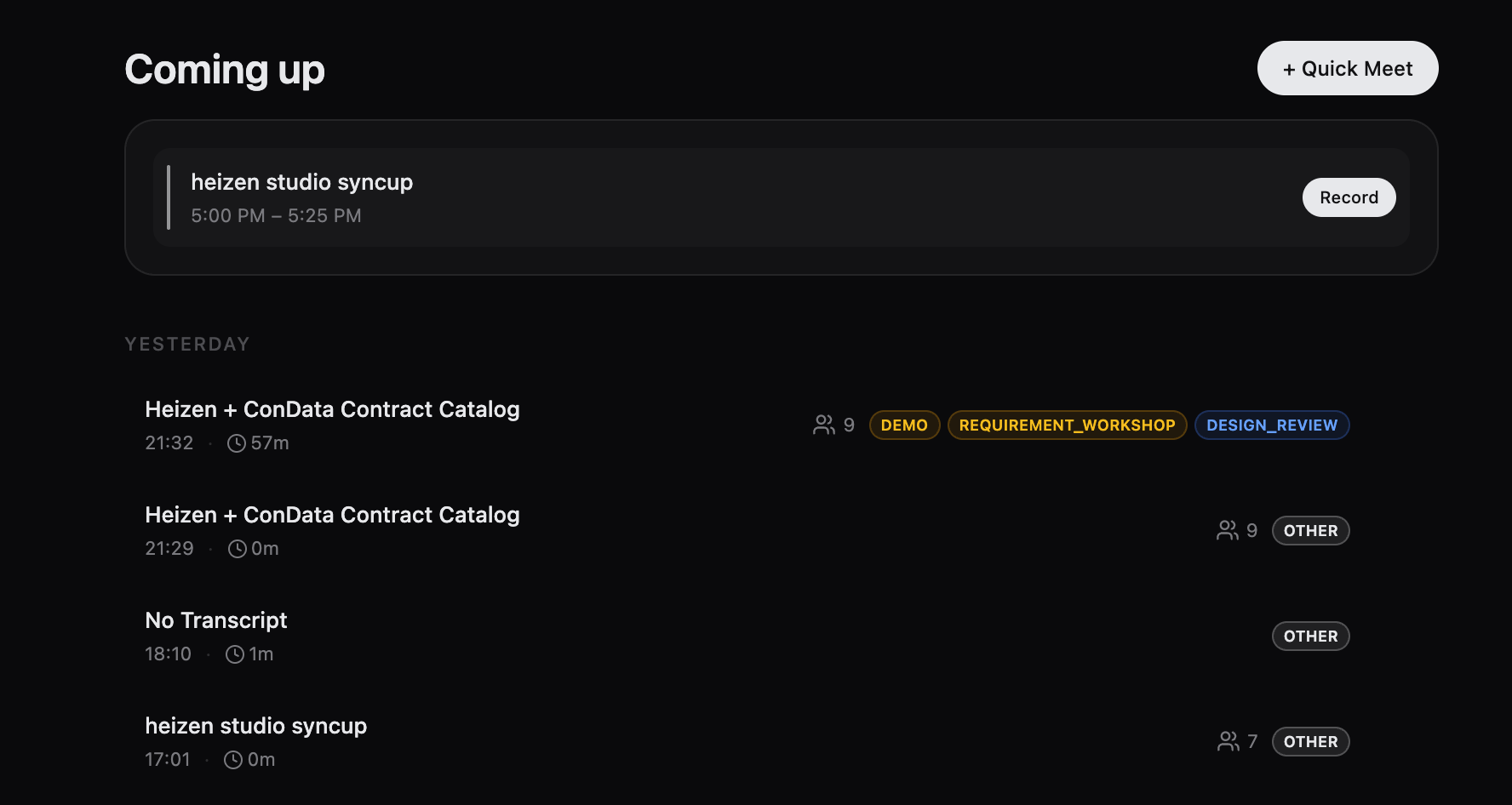
- Select Record to start Heizen Meets and link the new recording to that calendar event.
- Select anywhere else on the event row to start recording it.
Open a previous meeting
Select any meeting in the dated history. The detail page contains its summary, notes, transcript, attendees, calendar link, meeting category, share link, and AI assistant. See Meeting notes and transcript.
Use Search meetings to find a recording by title, generated summary, or participant, or Project meetings to browse recordings linked to one Heizen Studio project.
Delete a meeting
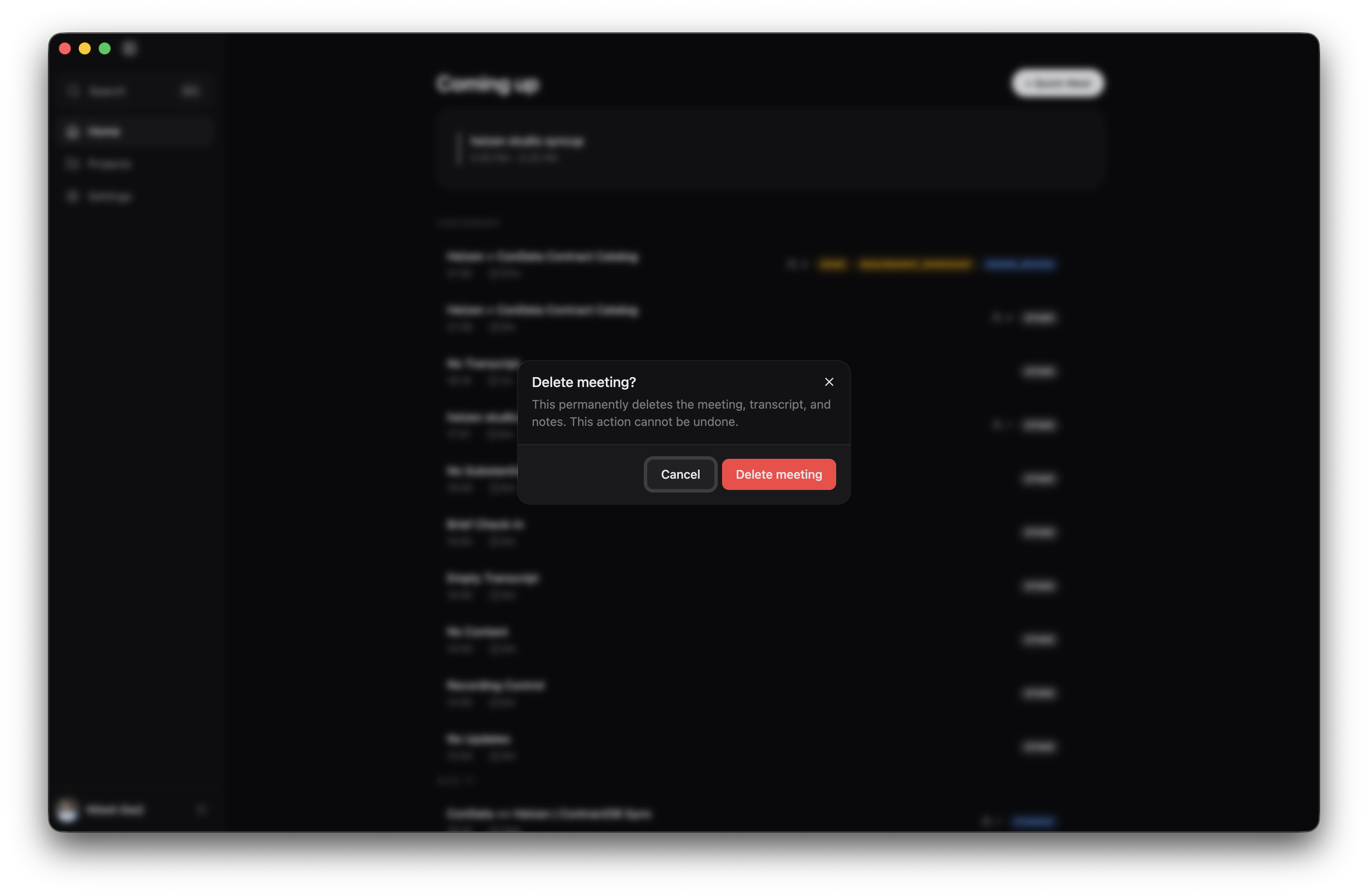
Move the pointer over a meeting row, select the Meeting actions button, and choose Delete meeting. Review the confirmation and select Delete meeting again.
Understand meeting states
| State | Meaning | What to do |
|---|---|---|
| Live | Heizen is currently recording the meeting. | Open it to view the live transcript or stop recording. |
| Processing | Recording ended and Heizen is preparing the final output. | Wait and reopen the meeting when processing completes. |
| No state badge | The meeting is ready to review. | Open it to read the summary and transcript. |
When a recording is active, Home also shows a Recording in progress banner with its duration and an Open action.
Load older meetings
Home initially loads up to 50 meetings. If more history is available, select Load more below the meeting list.